FOR MUSICIANS & BANDS
YouTube for Musicians: Channel Set-Up, Shorts and Live Sessions
How independent UK artists can set up a YouTube channel, apply for an Official Artist Channel, use Shorts, go live, organise playlists and build a community.

What makes a good lyric video, from typography and timing to accessibility and uploading it to YouTube with captions.
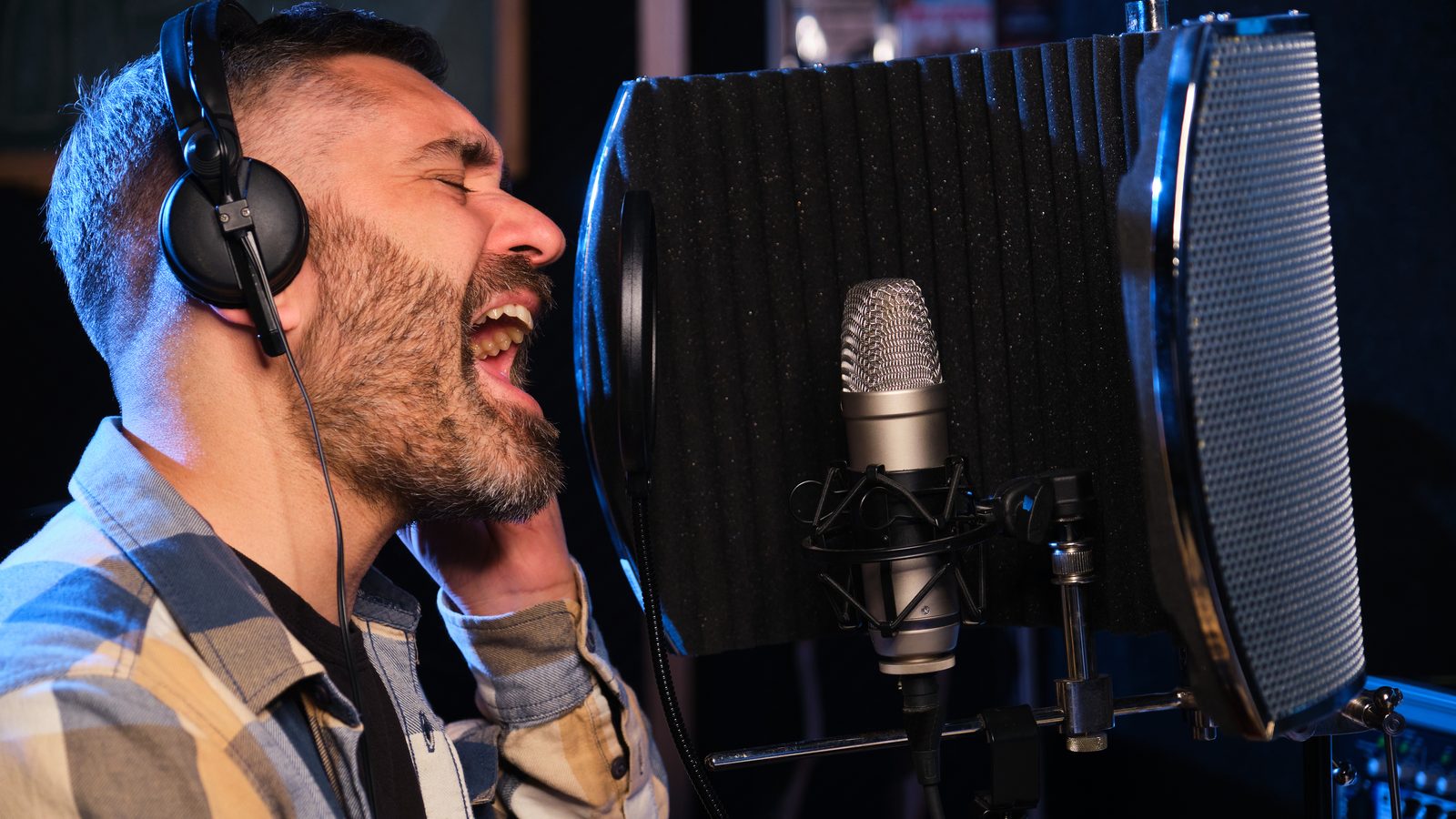
A good lyric video shows the words on screen in time with the singing, in clear type that fits the mood of the song. Pick one simple visual idea and time each line carefully to the vocal. Keep the text big with strong contrast, then upload with captions and a clear title so it’s easy to find and follow.
A lyric video is often the first video an independent artist puts out, because you can make one without a film crew. It gives listeners something to watch while the song plays and lets the words carry it. Done properly, it feels like part of the release instead of a stopgap, and it’s one of the quickest wins in videography for musicians.
This guide is for UK solo artists and bands, singer-songwriters included. It looks at what makes a lyric video strong or weak, then how to design and time it before you publish.
Readable words, accurate timing and one clear visual idea. That’s the lot. Viewers should be able to follow the lyrics without effort, see each line as it’s sung, and feel the look matches the song. Anything beyond that is decoration.
The usual mistakes are easy to spot. Text is too small, or too many effects compete for attention. Lines turn up late. The background is so busy that the words disappear into it. If a viewer has to work to read your video, it’s failing.
The words move and scale, changing with the rhythm. This suits energetic songs and gives you the most freedom as a designer, though it takes the longest to animate.
Here the lyrics sit over a performance or a scene, or over loops of scenery and city shots. It’s a good choice if you already have footage and want the video to feel human.
The lyrics go over your cover art or press photos, or a plain graphic background. This is the fastest style to produce, and it works well if you have a strong visual identity already. Our guide to press photos for musicians explains how to build a set of images you can reuse here.
Hand-drawn or scripted lettering gives a tactile look. It’s distinctive, and it suits acoustic or personal songs.
Let the song choose the style. A fragile ballad doesn’t want frantic animation. A dance track has no use for slow fades.
Use one typeface (two at most) and keep them in line with your artwork and website. Most pop and rock suits a bold, clean sans serif, as does electronic music. Folk and singer-songwriter material often suits a serif or a script, provided it stays readable at small sizes.
Check that every font you use is licensed for video and commercial release. A free font isn’t always free for commercial use.
Type out the lyrics exactly as they’re sung. Include any repeats and ad-libs you want to show. Then place each line on the timeline against the vocal waveform so it appears just before or as the word is sung, and disappears as the line finishes.
Check the spelling and punctuation twice. A typo in a lyric video sits on screen where everyone can see it.
Start with contrast. The W3C’s accessibility guidance asks for text to have a contrast ratio of at least 4.5:1 against its background, or 3:1 for large text, which it defines as at least 18 point or 14 point bold. That guideline was written for web content, but it’s a good benchmark for text over video as well. In practice, that means putting light text on a darker area, or adding a subtle shadow or overlay wherever the background changes.
Keep text off busy detail and patterns, and away from bright spots. Avoid very fast flashing or strobing, because some viewers find it uncomfortable. Don’t rely on colour alone to show emphasis either.
And add proper captions or a transcript. On-screen lyrics are part of the design. They can’t stand in for captions, which help viewers who are deaf or hard of hearing.
Give the video a plain title. Normally that’s the artist and song followed by “Lyric Video” or “Official Lyric Video”. In the description, include the lyrics or a link to them and say where people can stream or buy the song. Add your website and social links, and the credits.
For captions, YouTube Help explains that you can upload a subtitle file, type or paste a transcript so timing is set automatically, or add subtitles during upload. It also says automatic captions come from speech recognition, which copes less well with sung lyrics, so check them if you’re relying on them. Pick a thumbnail you can still read when it’s tiny, and put the video in a playlist with your other releases.
Then share it wherever your listeners are. Post it on your website and send it to your mailing list, and cut a short clip from the chorus for social media. For more on getting your releases seen, read about marketing for musicians.
If you’d like a lyric video that matches your artwork and release, our video services for musicians include lyric videos as well as music videos, live sessions and short-form clips. We can design the typography and time it to your track, then prepare versions for YouTube and social media. We agree a clear brief, scope and fee with you before any work begins.
That depends on the style. A simple lyric video over a still image can be finished in a day, whereas kinetic typography takes much longer because every line is animated on its own. Leave extra time for timing and corrections, which people nearly always underestimate.
Not if you wrote the lyrics yourself. If the song includes words or samples written or owned by other people, you’ll need clearance. Covers, and anything else that uses someone else’s work, come with their own licensing needs, so check before you publish.
A lyric video is quicker and cheaper, and it works well for a single release. A music video suits a bigger push and gives you room for performance and story. Plenty of artists put out a lyric video first and film something more ambitious later.
Standard widescreen suits YouTube. If you’re planning clips for phones, make a vertical version as well, with the text laid out again for the narrower frame rather than simply cropped, so no lines get cut off.
You can, but speech recognition struggles with sung lyrics. That’s how YouTube creates its automatic captions, so check every line. Uploading your own accurate lyrics as a caption file or transcript is more reliable.
How independent UK artists can set up a YouTube channel, apply for an Official Artist Channel, use Shorts, go live, organise playlists and build a community.
How function and wedding bands can get found and booked: website and video, Google Business Profile, directories, honest reviews and fast enquiry handling.
How independent UK artists can use TikTok: choosing sounds, writing hooks, posting consistently, getting your own track onto the app and learning from analytics.
Four quick questions, and we’ll show you where we’d start. Your answers come straight to us with your message, so you won’t have to explain it twice.
A 30-minute introduction call on Microsoft Teams, Monday to Friday, 9am to 5pm. Your answers come with the booking, so we’ll be ready for you.
Prefer to talk it through? Make an appointment for a 30-minute call on Microsoft Teams, Monday to Friday, 9am to 5pm.
A closer look at the work behind each part of your plan.
We use analytics cookies to understand how visitors use our site. They are only set if you accept. Read our privacy policy.