FOR AUTHORS
What Should Authors Post on Social Media Between Releases?
What should authors post between releases? A balanced mix of story, process and reader posts, series reminders, countdowns and a weekly plan.

How to film a reading from your book: choosing the passage, sound and light, editing, captions and where to share it.
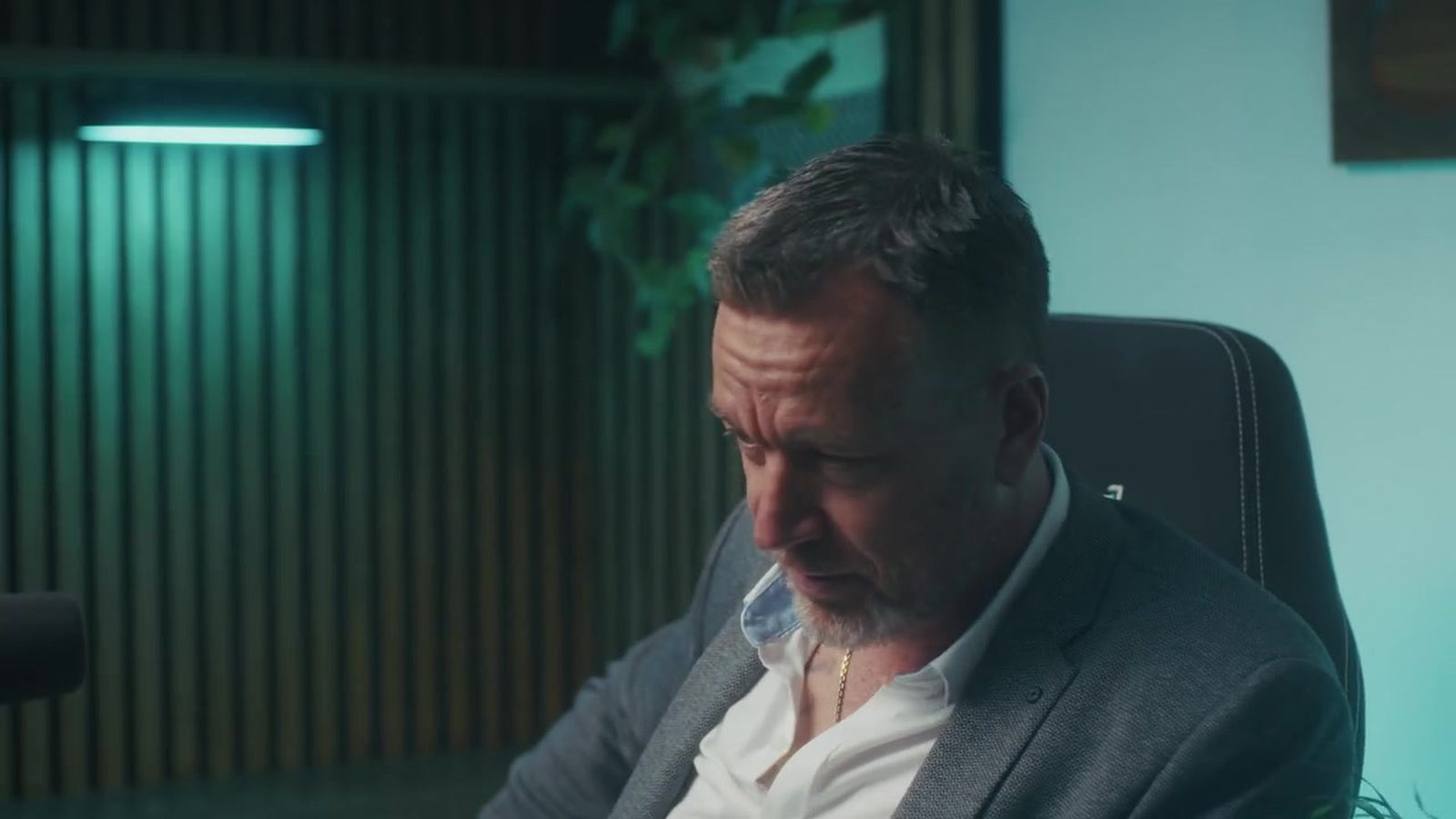
To make an author reading video, pick a self-contained passage of one to three minutes that hooks without spoiling. Film it in quiet, even light, somewhere that suits your genre, with the microphone close to your mouth. Trim the pauses and add captions. Then share it on your website and in launch emails, and as vertical clips on social media.
A reading lets people hear your voice and your pacing before they buy. An author reading video is also one of the easiest videos you’ll ever make. You don’t need actors or a script, because the words are already written. What lifts a good one above a forgettable one comes down mostly to the passage you pick. After that, it’s sound and editing.
This guide is for authors filming on a phone or a simple camera. If you’d prefer a crew, our author video production service covers that.
Pick a scene that stands up on its own. Someone who hasn’t read a word of your book should be hooked within the first few lines, and should know who’s speaking without a long explanation.
Start near the action. The opening page is often the best choice, but a tense scene from the first third can be stronger. Lean towards dialogue and voice, too, since two characters at odds read far better aloud than a long stretch of description.
Read it out loud before you film. Sentences that look elegant on the page can trip your tongue, and you’ll hear where the rhythm sags. Mark where to breathe and where to slow down. Cut any line that isn’t pulling its weight.
Viewers will forgive a plain picture. Bad audio, they won’t. Film in a small room full of soft things like curtains and rugs, or a sofa, because they soak up echo. Switch off the fan and the fridge. Silence your notifications. Ask everyone in the house for ten quiet minutes. A clip-on lavalier or a small USB microphone close to you is a cheap upgrade on the phone’s built-in mic. Record a few seconds first and play it back on headphones.
Sit facing a window so soft daylight falls on your face. The window goes in front of you, never behind. Don’t mix daylight with warm lamps in the same shot. If the light is weak, put a lamp with a daylight bulb next to the window to boost it. Keep the camera at eye level. Fix it on a tripod or a pile of books so it doesn’t wobble.
Readers take in the background before you say a word, so it sets their expectations. Keep it simple and let the setting hint at the book.
Dress to suit the mood and steer clear of busy patterns. Get the cover into the shot if you can. If you’d like the video to match your author photography and brand, use the same colours and tone in both.
Editing is mostly a matter of taking things out. A free phone or desktop editor will do all of it.
Lots of people watch video with the sound off. Captions help viewers who are deaf or hard of hearing as well, and with a reading the words are the whole point, so they count for more here than almost anywhere. On YouTube you can add subtitles and captions during upload or afterwards in YouTube Studio, either by uploading a file, typing them in or using auto-sync. Automatic captions often mangle character names and invented words. Read them through and correct them.
For social clips, burn the words into the video itself so they show up on every platform.
Start with your website. Embed the video on the book’s page, or on a page for the series, with a buy link underneath. Our author websites can show video alongside your books.
Use it in launch and newsletter emails too. Link to the video with a still image and a play button, because many email apps won’t play embedded video and a plain link is more reliable. Our guide to building your author mailing list covers what to send.
Post the full reading around launch, then keep reusing clips for weeks afterwards. For the wider plan, see how we market self-published authors.
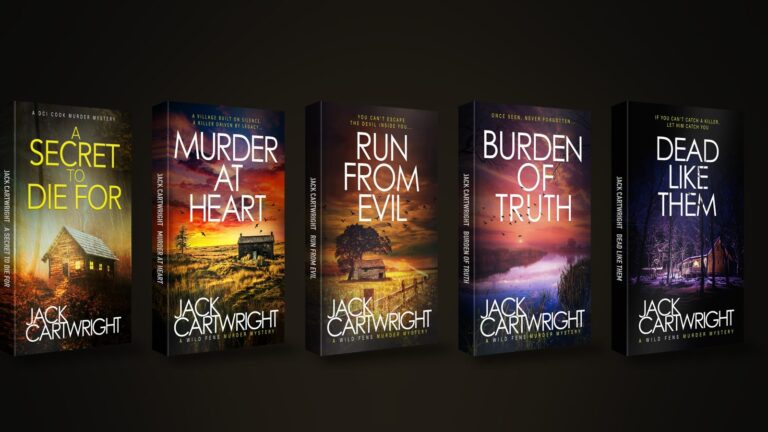
Our team started as the in-house team for our founder, the USA Today bestselling author Jack Cartwright. We handled his videos and social media, plus his ads, covers and website. If you’d like a reading filmed, lit and edited for you, our videography for authors service can do it. We’ll cut it into versions for your website and emails, and for your social channels. We agree a clear brief, scope and fee with you before any work begins.
One to three minutes makes a good full-length reading. That’s long enough to show off your voice and a scene, and short enough that people finish it. For social media, cut clips of around 30 to 45 seconds from it, each one ending on a hook.
No, but sound is the first thing to improve. A clip-on or small USB microphone close to your mouth, in a quiet room with soft furnishings, will sound far better than a phone held at arm’s length. Always record a test and listen back on headphones.
Read from the page, but look up often, especially during dialogue. Put the text on a tablet or laptop just below the camera. Most listeners would rather hear a natural, slightly imperfect reading than a stiff, memorised one.
Yes. A longer exclusive reading, such as the first chapter or a scene from a later book, offered in return for a newsletter sign-up can work well. Link to it from a landing page and be clear about what subscribers will get.
Yes, if the voice suits the book. An actor or your audiobook narrator could do it. Check the rights first, because audiobook recordings usually come with their own agreements, and get written agreement from everyone who appears.
What should authors post between releases? A balanced mix of story, process and reader posts, series reminders, countdowns and a weekly plan.
Learn how to give every book in a series a consistent look, with colour per book, clear numbering, box set covers and refreshes that help read-through.
Why indie authors sell ebooks, paperbacks and audiobooks from their own site, how delivery works, and what to check on VAT and KDP Select first.
Four quick questions, and we’ll show you where we’d start. Your answers come straight to us with your message, so you won’t have to explain it twice.
A 30-minute introduction call on Microsoft Teams, Monday to Friday, 9am to 5pm. Your answers come with the booking, so we’ll be ready for you.
Prefer to talk it through? Make an appointment for a 30-minute call on Microsoft Teams, Monday to Friday, 9am to 5pm.
A closer look at the work behind each part of your plan.
We use analytics cookies to understand how visitors use our site. They are only set if you accept. Read our privacy policy.