FOR PODCASTERS
How to light a video podcast set
A practical UK guide to video podcast lighting: key, fill and practical lights, two-person desks, backgrounds, flicker under 50 Hz mains and a look that stays…

How to make podcast clips for social media that UK audiences actually watch: choosing moments, length, vertical format, captions, Spotify Clips and posting.
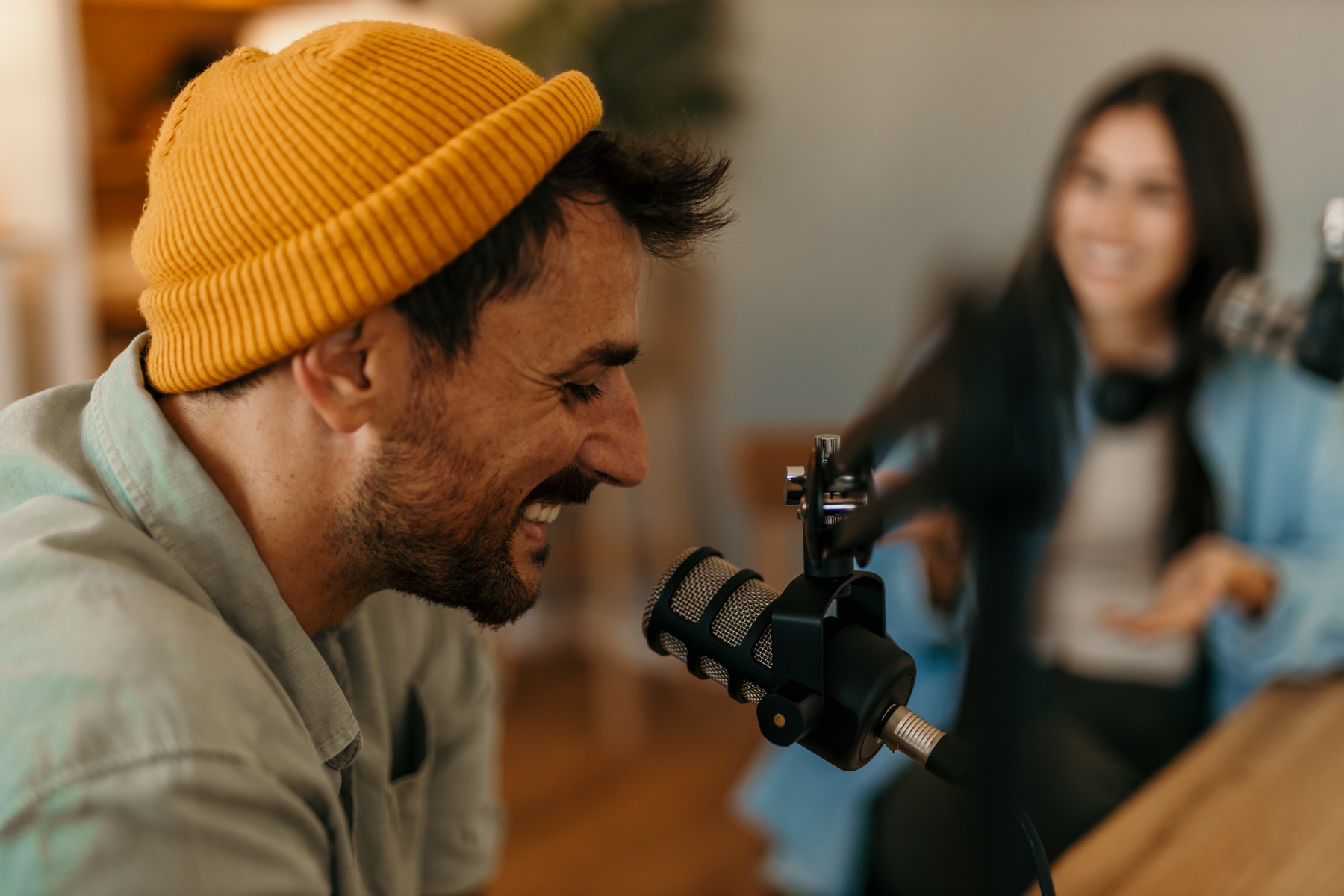
Podcast clips for social media work when each one stands on its own: a single idea, story or strong opinion, usually under a minute, that makes sense to someone who has never heard the show. Film or crop them vertically, add accurate captions, open on the most compelling line rather than a slow build, and brand them consistently. Post them on the one or two platforms your listeners use, including Spotify’s own Clips, and point every clip back to the full episode.
Picture posting a 40-second moment on a Wednesday and watching it travel: shared by the guest, passed between friends, quoted back to you in the comments by someone who has just gone and listened to the whole hour. The clip reached further than the episode could on its own, and it brought people back with it.
For many shows, clips are now where people meet a podcast for the first time. A stranger scrolling Instagram, TikTok, YouTube Shorts or LinkedIn won’t commit to an hour-long episode, but they might watch 40 seconds of a conversation that grabs them, and then go looking for the rest.
Yet many podcasters post clips that barely get watched: a random minute of chat, no captions, a static waveform. The difference between clips that work and clips that don’t is mostly in choosing the moment and shaping it for the feed. Here’s how to do both.
Because full episodes are hard to discover and hard to share. A clip lets people sample your show in the places they already spend time. It also suits how audiences now consume podcasts: Ofcom found that 68% of UK podcast listeners listen to podcasts that also have video, and 44% find podcasts with video more engaging.
For business owners and experts with a podcast, clips do a second job. Each one is a short piece of thought leadership with your face and voice, which builds trust with potential clients whether or not they ever listen to a full episode.
The best clips share a few qualities:
The fastest way to find these moments is to note them while recording. Hosts who flag a time code when something lands save hours in the edit.
Long enough for the idea, and no longer. Many strong clips run between 20 and 60 seconds. Platforms now allow longer: YouTube Shorts can be up to three minutes if they are square or vertical, and Spotify Clips must be between 15 and 90 seconds. Use the extra length only when a story genuinely needs it, because every second has to earn its place.
Most short-form feeds are vertical, so plan for a 9:16 frame. That is far easier if your video podcast is filmed with close-up cameras that leave space around each speaker, so a vertical crop still looks well composed.
Plenty of people scroll with the sound off, so burned-in captions are essential. Check them carefully: automatic captions regularly mangle names, brands and technical terms, and errors make a show look careless. Keep captions in your brand fonts and colours, placed where platform buttons won’t cover them.
Use the same caption style, colours and a small show name or logo on every clip, so people start to recognise your clips before they read them. A set of templates designed once keeps clips consistent and quicker to produce.
If you don’t film, audiograms (a still image, waveform and captions) are better than nothing but rarely compete with video. A middle route is to film just a few moments, or a short to-camera introduction to the topic, specifically for social media. We weigh up the options in do podcast audiograms still work?
Choose by where your listeners are, not by which platform is in the news. Two or three platforms posted to consistently will do more than six posted to occasionally.
| Platform | Often suits | Worth knowing |
|---|---|---|
| Instagram Reels | Lifestyle, wellbeing, creative and personality-led shows | Strong for building recognition of the hosts |
| TikTok | Comedy, culture, storytelling and younger audiences | Rewards an immediate hook |
| YouTube Shorts | Shows with full episodes on YouTube | Can lead viewers straight to the full episode on the same platform |
| Business, leadership and professional podcasts | Insight beats entertainment; see our LinkedIn video tips | |
| Spotify Clips | Every show on Spotify | Reach people already in a podcast app |
Spotify Clips are short videos you attach to an episode through Spotify for Creators on the web. Spotify says they appear on your show page and may be recommended in places like the Home and Podcast feeds, the Browse tab and the Now Playing View. The rules are simple: one clip per episode, 15 to 90 seconds long, under 1GB, an MP4 or MOV file with an audio track. Spotify recommends vertical video but supports horizontal, and clips must not contain copyrighted music unless you own the rights.
Because listeners who see a Spotify Clip are already in a podcast app, it’s one of the shortest routes from clip to follow. Use your strongest moment from each episode there.
No. YouTube asks podcasters to add podcast features only to playlists of full episodes, and says not to add podcast features to playlists of clips. Publish clips as Shorts or as separate videos, and link them to the full episode so viewers can carry on watching.
Consistency matters more than volume. A sustainable rhythm for many shows is two to four clips per episode, spread across the week until the next episode is released. That keeps your accounts active between releases and gives each episode several chances to reach new people.
Steady beats sporadic. A clip that underperforms on Monday tells you something; a month of silence tells you nothing. Batch the edit for each episode in one sitting and schedule the posts, so the rhythm survives a busy week.
Look at how much of each clip people watch, saves and shares, and above all whether clips lead to follows and listens. Note which topics, guests and opening lines perform, then make more of them. If a clip performs well organically, it’s also the best candidate if you decide to put some budget behind the show, as we explain in how to advertise a podcast.
Automated clipping tools can find moments and add captions quickly, and they’re useful for volume. Their weakness is judgement: they pick moments that look busy rather than moments that matter, and the results can look like everyone else’s. Many podcasters use a tool for a first pass and a person for the final choice and edit.
Handing clips over makes sense when the edit and posting take more hours than you can give, or when the podcast supports a business and you’d rather spend that time on guests and clients. That is exactly the work our social media for podcasters service takes on, from choosing moments to posting them.
We’d love your best moments to travel further than the episodes they came from. Our team began as the in-house crew filming, editing and posting for co-founder Jack Cartwright, an author who needed his video and social media to work as one. Through social media for podcasters, we cut, caption and schedule clips from every recording, and can film episodes with vertical crops in mind, as part of our marketing for podcasters. A clear brief, scope and fee are agreed before any creative work begins.
Two to four is a good starting point for most shows: enough to keep your accounts active between episodes without lowering the bar. Make more only when an episode is genuinely full of strong standalone moments. One great clip will do more for your show than five average ones.
Only if you have the rights. Spotify says clips must not contain copyrighted music unless you own the rights, and other platforms have their own rules on licensed audio. The safest options are music you’ve licensed for this use or tracks from a platform’s own music library used within its terms.
It’s good practice to agree at booking that the conversation will be recorded and used in clips and promotion, and to keep a record of that agreement. Most guests welcome clips because they promote them too. If a guest asks for a moment not to be clipped, respect it.
Vertical for Reels, TikTok, YouTube Shorts and Spotify Clips, where Spotify recommends vertical video. Horizontal can work on LinkedIn and in a standard YouTube video. If you film the podcast, plan your framing so both versions can be cut from the same footage.
They are good at speed and captions, and weaker at judgement. They often pick moments that sound energetic rather than ones that carry a complete, valuable idea. Use them for a first pass if you like, then have a person choose the moments, check captions and polish the edit.
A practical UK guide to video podcast lighting: key, fill and practical lights, two-person desks, backgrounds, flicker under 50 Hz mains and a look that stays…
How to promote a podcast on Instagram in the UK: Reels from every episode, Stories on release day, guest collabs, trial reels and posting between seasons.
How to write podcast show notes that persuade people to press play and help episodes get found in search, with a simple template, timestamps and transcripts.
Four quick questions, and we’ll show you where we’d start. Your answers come straight to us with your message, so you won’t have to explain it twice.
A 30-minute introduction call on Microsoft Teams, Monday to Friday, 9am to 5pm. Your answers come with the booking, so we’ll be ready for you.
Prefer to talk it through? Make an appointment for a 30-minute call on Microsoft Teams, Monday to Friday, 9am to 5pm.
A closer look at the work behind each part of your plan.
We use analytics cookies to understand how visitors use our site. They are only set if you accept. Read our privacy policy.